![iAM Learning logo-1.png]](https://support.iamlearningcontent.com/hs-fs/hubfs/iAM%20Learning%20logo-1.png?height=50&name=iAM%20Learning%20logo-1.png)
This article is for Training Managers, Champions and Admins
If you need to make a change to an existing user, you can edit their profile. If you need to amend their email address. Let us know at helpme@iamlearningcontent.com so we can ensure their data syncs with their updated address.
Click the user area from the options at the top of the Training Manager view.
Find the user you wish to edit and select the blue button next to their name.
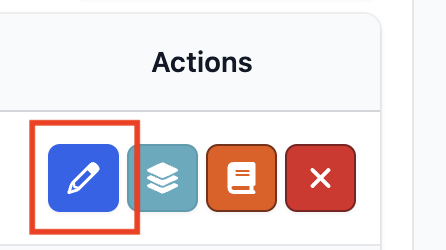
From here you will be able to edit several things including:
- name and surname
- email address
- Password
Once you have made the changes you need to, click the green save button at the top right hand side.