![iAM Learning logo-1.png]](https://support.iamlearningcontent.com/hs-fs/hubfs/iAM%20Learning%20logo-1.png?height=50&name=iAM%20Learning%20logo-1.png)
This article is for all users
Option 1: User added from LMS
When you complete training other than the e-learning content, you can manually record this in your offline area.
Click your initials in the top right hand corner and choose "Offline Records" from the drop down menu.
Click Add Certificate in the Offline Training Record area. 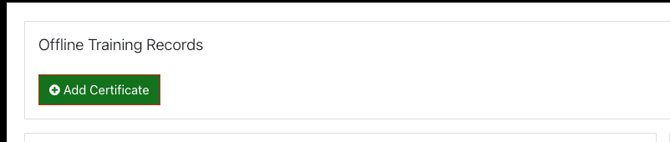
Add the information to the form and press save. The system will record your offline training to be captured in the reporting. 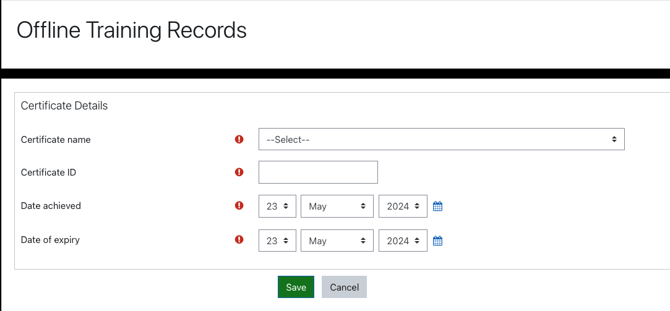
Option 2: Bulk upload method.
For Training Managers.
If you collate a list of users and completion information. Share the spreadsheet with the helpdesk and we can bulk upload those in the back end for you.