![iAM Learning logo-1.png]](https://support.iamlearningcontent.com/hs-fs/hubfs/iAM%20Learning%20logo-1.png?height=50&name=iAM%20Learning%20logo-1.png)
This article is for All Users.
From your homepage, click the "my courses" button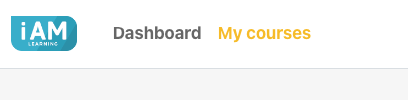
You can then search in a couple of ways.
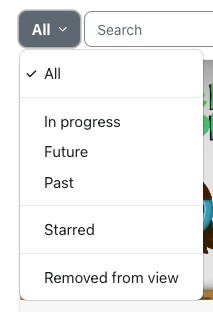
Option 1: Filter by status.
You can filter your available courses, this includes those with a deadline not passed (future) and ones that are overdue (past)
Option 2: Search by title
If you're looking for a specific title, you can type this in to the search bar and it will bring it up:
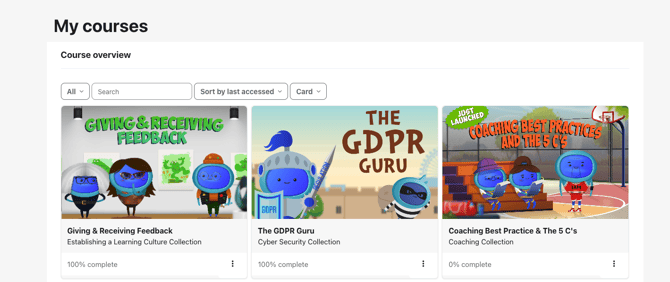
Once you have found what you're looking for click into the course to start it.