![iAM Learning logo-1.png]](https://support.iamlearningcontent.com/hs-fs/hubfs/iAM%20Learning%20logo-1.png?height=50&name=iAM%20Learning%20logo-1.png)
This article is for Training Managers, Champions and Group Admins.
Refreshers are the annual reminders for training to be retaken. These are separate from deadlines.
Head to the reports section on training and choose refreshers. 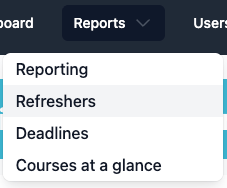
-
Select the groups or learners you want to view.
- Select the course or courses you want to view.
- Select the date range you want to view. You can also pick "upcoming only" or "overdue only".
When you run the report you'll be able to see the status and how many days overdue/until the contentis due to be retaken.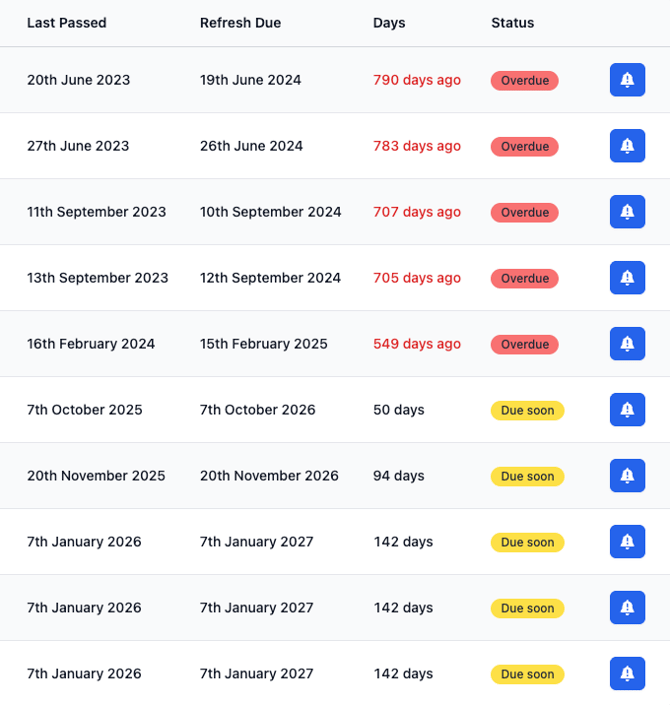
You'll be able to export to CSV if you would like as well.